


Next.js 16.3: Instant Navigations and 90% Less Dev Memory
Category: SciTech
Share
Archive
Like
Next.js 16.3 ships Instant Navigations, Cache Components, and 90% less dev memory
Next.js 16.3 landed on August 3 and it takes aim at two complaints that have followed App Router since its 2022 debut: navigations that feel sluggish next to SPAs, and a dev server that consumes RAM like it's a competitive sport. The same release ships opt-in Instant Navigations via Cache Components and Partial Prefetching, alongside a 90% Turbopack memory reduction and 5.5x faster CI builds that cost you nothing to enable. If you're on 16.2, upgrading is the lowest-risk performance improvement you'll make this quarter.
Before you touch a single flag, the upgrade alone delivers significant improvements. Turbopack now uses up to 90% less memory in development — nextjs.org dropped from 4,600 MB to 840 MB after compiling 50 routes. Vercel's own dashboard went from 21.5 GB to 2 GB. If you've hit FATAL ERROR: Reached heap limit mid-session, that era is over.
The cause is two Turbopack features now enabled by default: disk caching (introduced in 16.1) and memory eviction. Routes you're not actively editing get moved to disk; they're reclaimed when the process is idle. Repeat next build runs on CI are up to 5.5x faster with the same persistent cache. You also get 22% more requests handled under load — no code changes required.
Run npm i next@latest and you have all of this. That's the whole story for the Turbopack improvements.
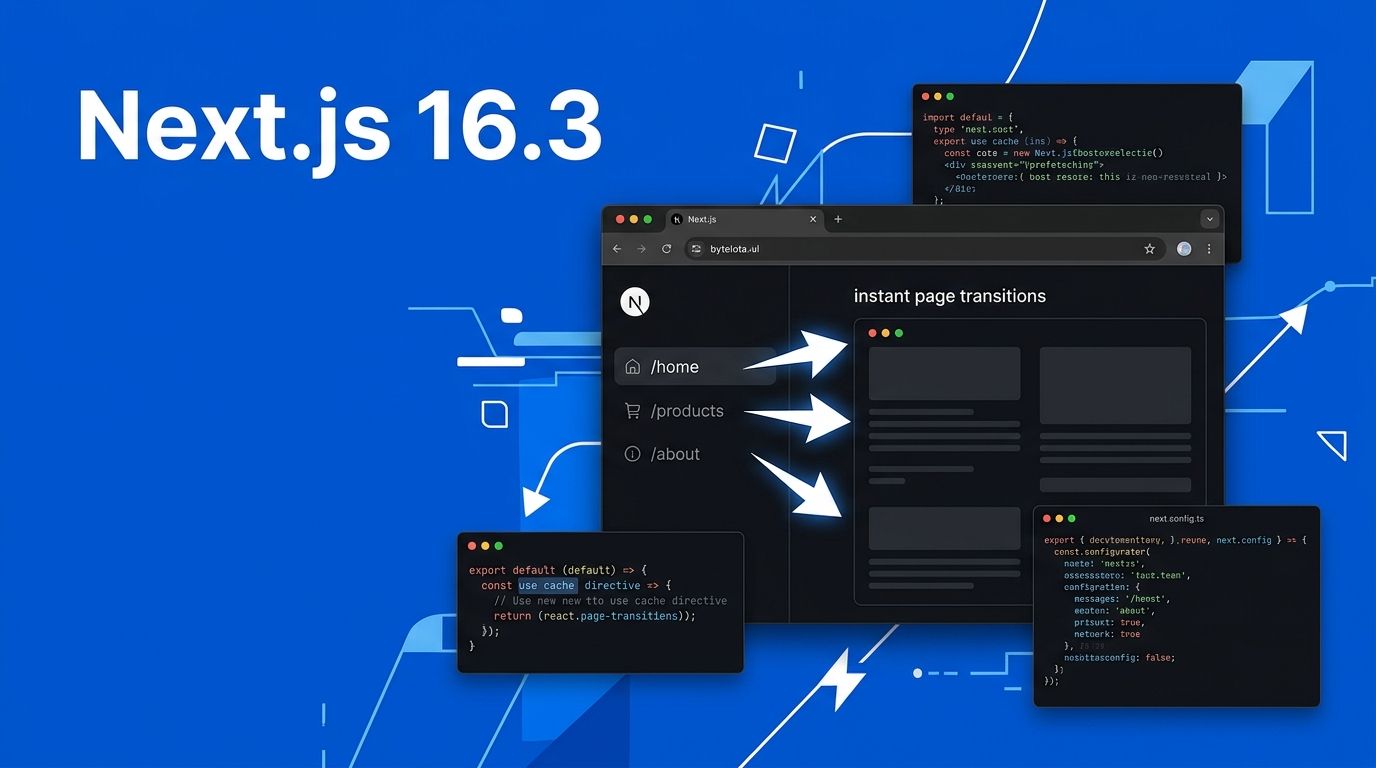
The new caching model starts with the use cache directive. Mark an async component or function as cacheable and Next.js prerenders a static HTML shell for it — served immediately on navigation while dynamic content streams in behind it. The effect is a navigation that feels instant even when the server is still doing work.
The best practice is to apply it at the component or function level, not at the layout. That gives you precise control over what's static versus what's dynamic on any given page: async function ProductCard({ id }: { id: string }) { 'use cache' const product = await db.products.findUnique({ where: { id } }) return {product.name} — ${product.price} }
For data that goes stale, cacheLife() lets you set explicit stale, revalidate, and expire windows — similar to HTTP cache headers but at the component level. Wrap anything user-specific in Suspense and leave it uncached. The cached components form the shell; everything else fills in. See the use cache directive docs for the full API.
To enable it, add one line to next.config.ts : import type { NextConfig } from 'next' const nextConfig: NextConfig = { cacheComponents: true, } export default nextConfig
Cache Components solve what gets served; Partial Prefetching solves when. With partialPrefetching: true , Next.js automatically prefetches the static shell for visible Link components before the user clicks anything. When they do click, the shell renders immediately. The server finishes the dynamic parts while something is already on screen.
This is a meaningful departure from the old prefetching model, which fetched full page payloads — expensive on large routes and wasteful when users don't always click every link. Partial Prefetching only fetches the shell (small payload), and reuses it across multiple links that point to the same route. The cacheComponents config reference covers all available options. // next.config.ts — enable both together import type { NextConfig } from 'next' const nextConfig: NextConfig = { cacheComponents: true, partialPrefetching: true, // requires cacheComponents: true } export default nextConfig
Note: partialPrefetching requires cacheComponents . Enabling it without the first flag causes a config validation error at startup — Next.js won't let you misconfigure it silently.
16.3 ships two new browser DevTools that work alongside Instant Navigations. Instant Insights flags any navigation that can't respond instantly as an error in your dev panel — so you know immediately when you've broken the shell. Navigation Inspector lets you pause a navigation at the shell state and inspect exactly what was prefetched versus what's still loading. Both are built into the dev server, no additional packages needed.
For automated testing, @next/playwright gets an instant() helper that scopes assertions to the immediately-visible UI during a navigation: import { instant } from '@next/playwright' test('nav shell is instant', async ({ page }) => { await page.goto('/shop') await instant(page, async () => { await page.click('a[href="/shop/hats"]') await expect(page.locator('h1')).toContainText('Hats') }) // Outside instant() = after full content loads await expect(page.getByText('In stock')).toBeVisible() })
Assertions inside instant() fail if the content wasn't available immediately — regressions surface in CI before any user sees them.
Yes, and the path is tiered: Phase 1 (5 minutes): Run npm i next@latest . Get 90% less dev memory, faster builds, and better throughput for free. No flags, no code changes.
Run . Get 90% less dev memory, faster builds, and better throughput for free. No flags, no code changes. Phase 2 (30–60 minutes): Enable cacheComponents: true in your config. Annotate cacheable components with 'use cache' . Wrap dynamic data in Suspense.
Enable in your config. Annotate cacheable components with . Wrap dynamic data in Suspense. Phase 3 (add partialPrefetching): Once your Cache Components are wired up, flip partialPrefetching: true . Navigations go instant. Add instant() assertions to your Playwright suite to hold the line.
Both opt-in flags are slated to become defaults in a future major version — adopting them now is a preview, not a gamble. The official Instant Navigations release post covers the migration in detail. For broader context on how Vercel measures these improvements, InfoQ's 16.3 breakdown includes the benchmark methodology.
App Router navigation has been a legitimate critique for four years. 16.3 closes the argument. Share
A note on cookies
Newshunt uses essential cookies to keep you signed in and to remember your language and country, so the site works the way you expect. With your permission, we'd also like to use analytics cookies to understand how people use Newshunt and improve it over time.
Accepting only affects analytics. To learn more, view our Privacy Policy or Terms & Conditions.
(0)Comments