


Why it's time to replace that old Wi-Fi router
Category: SciTech
Share
Archive
Like
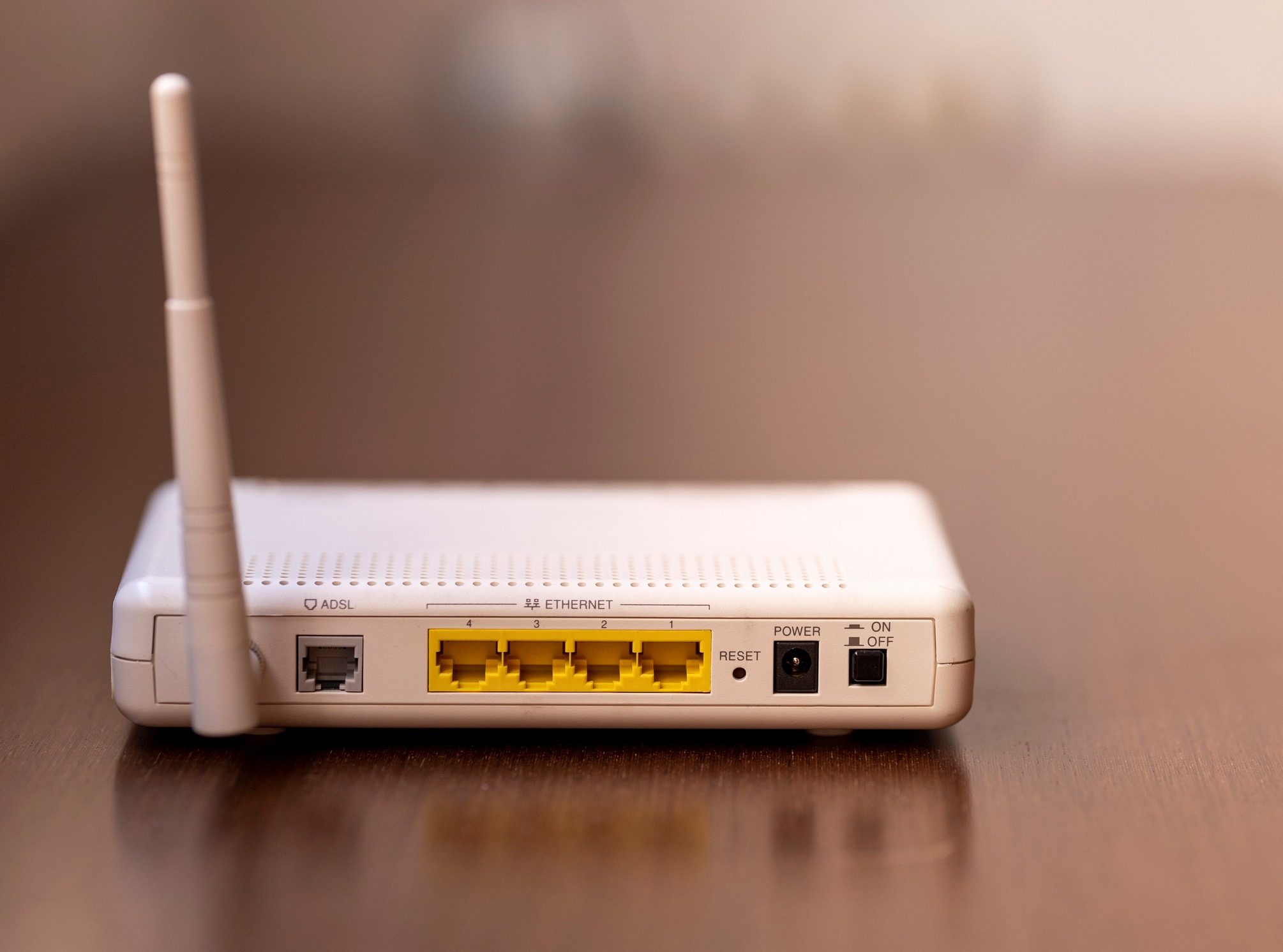
We've all done it (or know someone who has), when the Wi-Fi in the back office dropped a signal, deadlines loomed, and someone ran to the nearest big-box store for a $40 router to save the day. That was five, maybe ten years ago. The temporary solution is still plugged in behind a filing cabinet, blinking away, and nobody remembers who configured it or when it last saw a firmware update. Your boss even said you could take it home when the office upgraded switches—no harm, right? It's just a consumer router.
Here's the problem: that little box sitting on a shelf might already be working for someone else.
How legacy routers become botnet targets
In June 2026, researchers at Qianxin's XLab threat intelligence team disclosed a botnet called AryStingerOpens a new window that had stealthily hijacked more than 4,300 routers worldwide, most of them a decade or older, and turned them into a distributed network for scanning, tunneling, and command execution. This wasn't a frontal DDoS operation. It was reconnaissance infrastructure, covertly casing networks from the inside.
READ MORE:
What the FCC's router reprieve means for the gear you already run
The entry points weren't zero-days. They were CVE-2013-3307 and CVE-2016-5681Opens a new window , vulnerabilities old enough that they've been public knowledge since the Obama administration, affecting Linksys and D-Link routers built on Realtek's RTL819X chipset — hardware that was mainstream between 2012 and 2015. If your router falls in that window, there's a real chance it's still running the exact silicon these attackers are targeting. A second, Go-based strain also went after QNAP NAS devices through a newer flaw, CVE-2025-11837, a code-injection bug in QNAP's own Malware Remover utility.
The initial payload was a Linux ELF binary that came back with zero detections across every scanning engine on VirusTotal. That router humming along in the corner, the one nobody's logged into since the last ISP outage call, could be part of someone else's attack chain right now, with no visible sign of it.
The FBI's guidance on verifying router security
As reported by Morning OverviewOpens a new window , the FBI escalated its warnings on outdated home and small-office routers with an industry notification in early August 2026, naming specific end-of-life models across several major brands and telling owners and businesses to check their gear against that list. The bureau's guidance is clear: if the router has reached end of life, replace it. If it's merely outdated but still supported, patch it, disable remote administration, and change the factory default password.
That last point matters more than people think. A lot of these 'temporary' routers went into service with the admin password still set to admin/admin, because nobody expected the box to still be running five years later.
New regulatory hurdles and manufacturer risks
While the FBI was chasing botnets, the FCC was rewriting the rulebook on where routers can come from. On March 23, 2026, the agency updated its Covered ListOpens a new window to add all foreign-produced consumer-grade routers, citing a national security determination tied to Chinese state-linked hacking groups Volt Typhoon, Salt Typhoon, and Flax Typhoon. FCC Chairman Brendan Carr framed it as closing off an entry point that adversaries had already used to disrupt U.S. networks and enable cybercrime and surveillance.
Existing routers weren't banned outright, so the one you bought last year still works fine. But new foreign-made consumer router models can no longer get FCC equipment authorization unless the manufacturer secures a Conditional Approval from the Department of War or the Department of Homeland Security, according to Nemko's regulatory analysisOpens a new window . Manufacturers pursuing that approval have to hand over full supply chain disclosures, ownership transparency, and a plan to shift production to trusted locations.
READ MORE:
IT Job Watch: Cloud network specialist
Then the rule created an unintended contradiction. The original text also blocked 'permissive changes' to Covered List equipment, a category that technically includes firmware and security patches, as Agents of Game explainedOpens a new window in its policy breakdown. The FCC caught the problem and issued a blanket waiver in March 2026 allowing critical firmware and software updates through at least March 1, 2027, later extended in some categories to January 1, 2029, per Wiley's legal alertOpens a new window . But the underlying prohibition is still on the books, and the FCC has said it will reevaluate before the deadline arrives.
If you handle procurement, that's worth flagging now: the router you buy today for a satellite office might not have a guaranteed patch path a couple of years from now, depending on where it was manufactured and whether the vendor bothers with the approval paperwork.
The CISA orders complete decommissioning
CISA didn't wait for the FCC to sort out the politics. In February 2026, the agency issued a binding operational directiveOpens a new window ordering federal agencies to inventory and decommission end-of-support edge devices — routers, firewalls, switches — because they 'leave federal systems vulnerable to newly discovered exploits' and expose agencies to 'disproportionate and unacceptable risks'. Agencies got three months to inventory devices on CISA's end-of-support list, 12 months to decommission anything already past end-of-support, and 18 months to fully replace end-of-support edge devices with vendor-supported equipment.
If the federal government is giving itself an 18-month hard deadline to rip out old routers and firewalls, that tells you how seriously security teams are treating this category of risk.
Why home networks remain vulnerable
Here's where the story turns from 'hypothetical corporate risk' to 'check your own house.' Broadband Genie's 2025 router security surveyOpens a new window , conducted with McAfee's threat research team and drawing on 3,242 respondents, found that 84% have never updated their router's firmware and 81% have never changed the default administrator password. Sixty-nine percent have never changed their Wi-Fi password, 85% still use the factory-set network name, and 47% have never touched a single factory setting.
The most telling number isn't about behavior, though — it's about awareness. According to the same survey, 79% of respondents said they know how to change their router settings, but 73% said they don't understand why they'd need to. The lack of security understanding has been like this since Broadband Genie's first survey back in 2018Opens a new window found 86% had never updated firmware. Seven years, four survey rounds, and the needle has barely moved.
Only 31% of people ever check which devices are actually connected to their home network. So if a stray access point, an old range extender, or a router someone's kid brought home from a dorm is sitting on that network right now, most households would have no idea.
A quick home-network inventory checklist
Before you write off router security as an office problem, walk through this at home too:
Find every router, mesh node, range extender, and old modem physically plugged in — including the one in the basement nobody's touched since the move.
Look up each device's model number and check the manufacturer's support page for end-of-life status.
Log into each admin panel and confirm the firmware version against the latest release; update anything behind.
Change every default admin password and default Wi-Fi network name, since both are public knowledge for most models.
Check the connected-devices list in the admin panel for anything unfamiliar.
Disable remote/WAN-side administration and UPnP unless you have a specific reason to keep them on.
What to do with that shelf router
A note on cookies
Newshunt uses essential cookies to keep you signed in and to remember your language and country, so the site works the way you expect. With your permission, we'd also like to use analytics cookies to understand how people use Newshunt and improve it over time.
Accepting only affects analytics. To learn more, view our Privacy Policy or Terms & Conditions.
(0)Comments